Digital Dollar Store
Watch Faces Pack 1
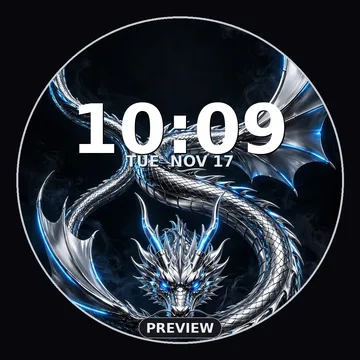
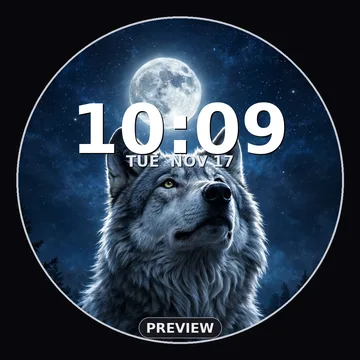
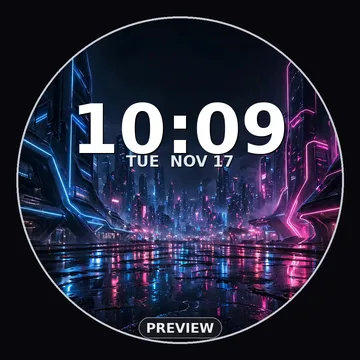
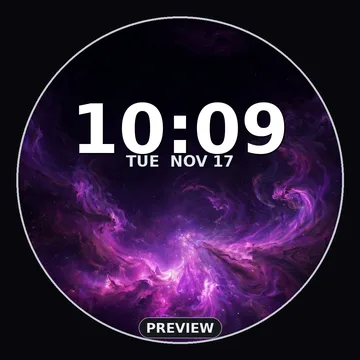
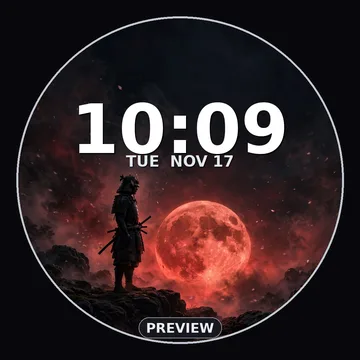
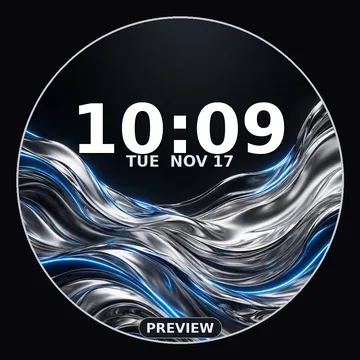
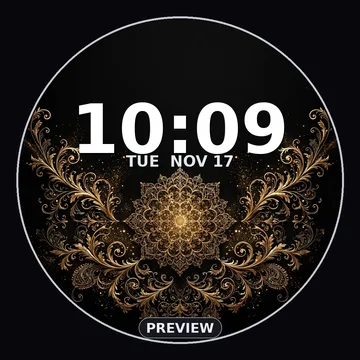
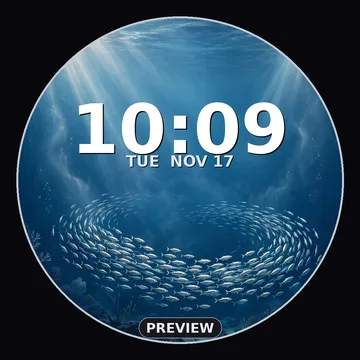
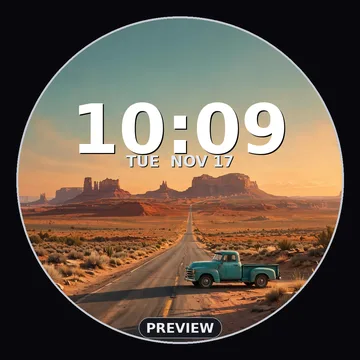
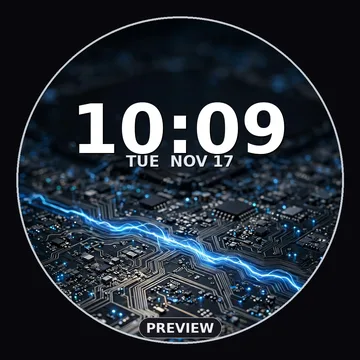
All ten faces are right here — no download needed to look. These are photo faces: the picture goes on your watch like wallpaper, and your watch puts its own clock over it. That is how photo faces work on Apple Watch, Galaxy Watch, and Wear OS.
WATCH FACES▾
How to put a face on your watch
- Tap "See it big" on the face you want, then press and hold the big picture and save it to your phone's Photos or Gallery.
- Apple Watch: open the picture in Photos, tap Share, then "Create Watch Face" — or in the Watch app, Face Gallery → Photos.
- Galaxy Watch / Wear OS: open the Galaxy Wearable or watch app, go to Watch faces → your photo option, and pick the picture you saved.
- Done. Your watch's clock shows over the picture, like it should.
Want the whole pack at once?
Download the full pack (zip)If anything here gives you trouble, tell us — we fix it free. That's the Fix-It Guarantee.